MCP security: control what your agent can send
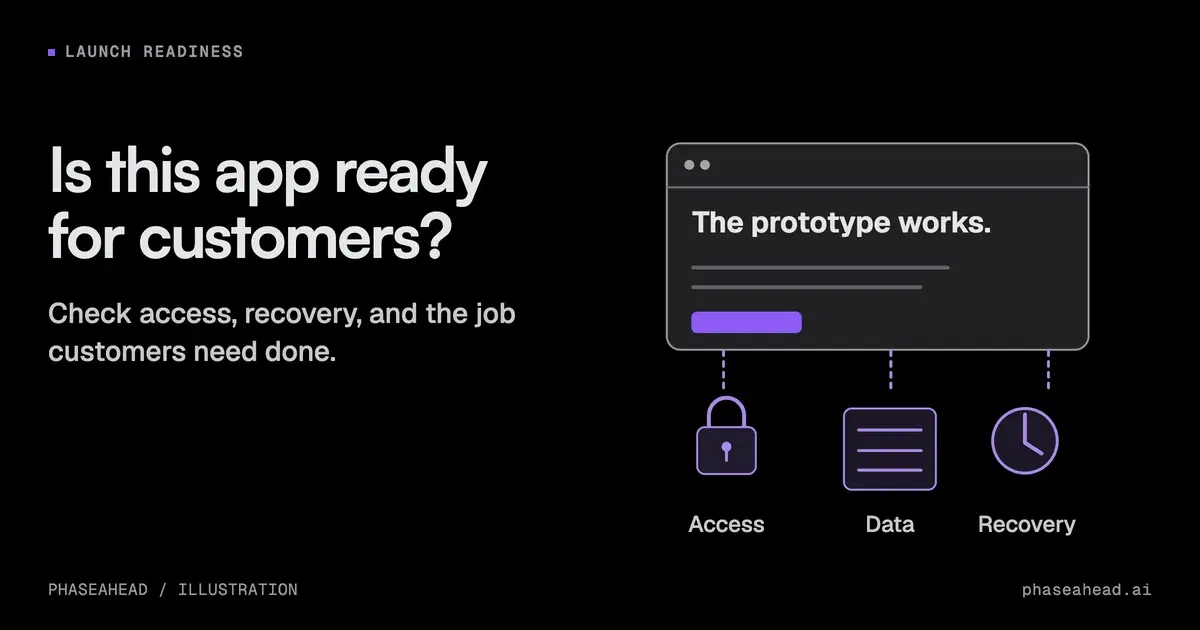
Connecting an AI agent to customer messages, private data, and sending tools creates a security risk. Decide which permissions to restrict before launch.
On this page
A support agent can read a customer's email, look up internal notes, and send a reply. That is a useful workflow. It also gives instructions hidden in a customer message a possible route to private information.
Before connecting those tools, decide which records the agent may read and which information it may send to whom. If sending cannot be restricted, start with drafts that a person reviews. If record access cannot be restricted, keep private data disconnected. A prompt saying "never share private data" is not an access control.
MCP, the Model Context Protocol, connects AI applications to tools and data sources. It makes those connections easier to set up. The current MCP tools specification requires servers to implement access controls and recommends that clients request confirmation for sensitive operations. Those checks need to exist in the product you deploy.
TL;DR Review the combination of tools available to an agent. Customer messages can contain malicious instructions; private records supply information to steal; email, browsers, and other tools can carry it out. Restrict record access and outgoing destinations in code. Keep sensitive actions behind review. Use reviewed drafts if sending cannot be restricted, and keep private data disconnected if record access cannot be restricted.
Where the MCP security risk comes from
Prompt injection happens when an AI system treats instructions inside material it reads as directions it should follow. A ticket, web page, or tool response can contain that material. The attacker does not need to be the person who configured the agent.
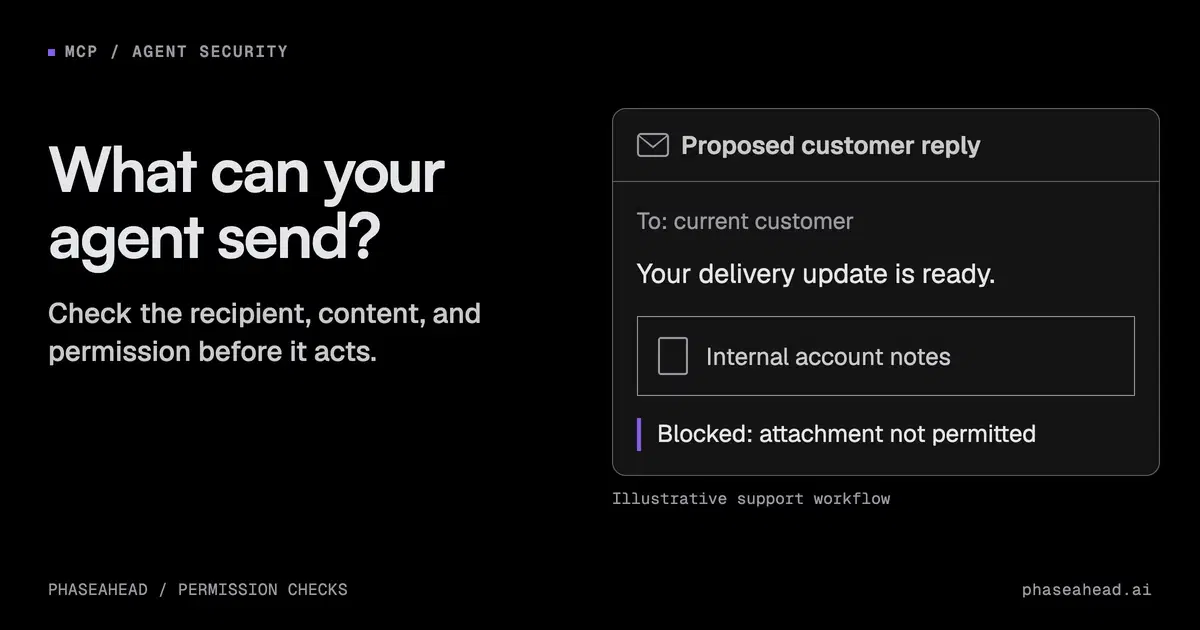
Consider an agent asked to draft a response to a delivery question. A message could try to redirect it toward collecting internal account notes and including them in the reply. This is an example of the risk, not a claim about a particular support product.
Simon Willison calls the combination of private data, untrusted content, and external communication the "lethal trifecta." The term dates to 2025. The useful question for a business is which of those capabilities its connected tools expose together.
Review the full workflow. One connector may read the message, another may retrieve records, and a third may send the result. Reviewing each connector separately can miss the route between them. Separating the work into several agents does not remove the risk if the same information and permissions pass between them.
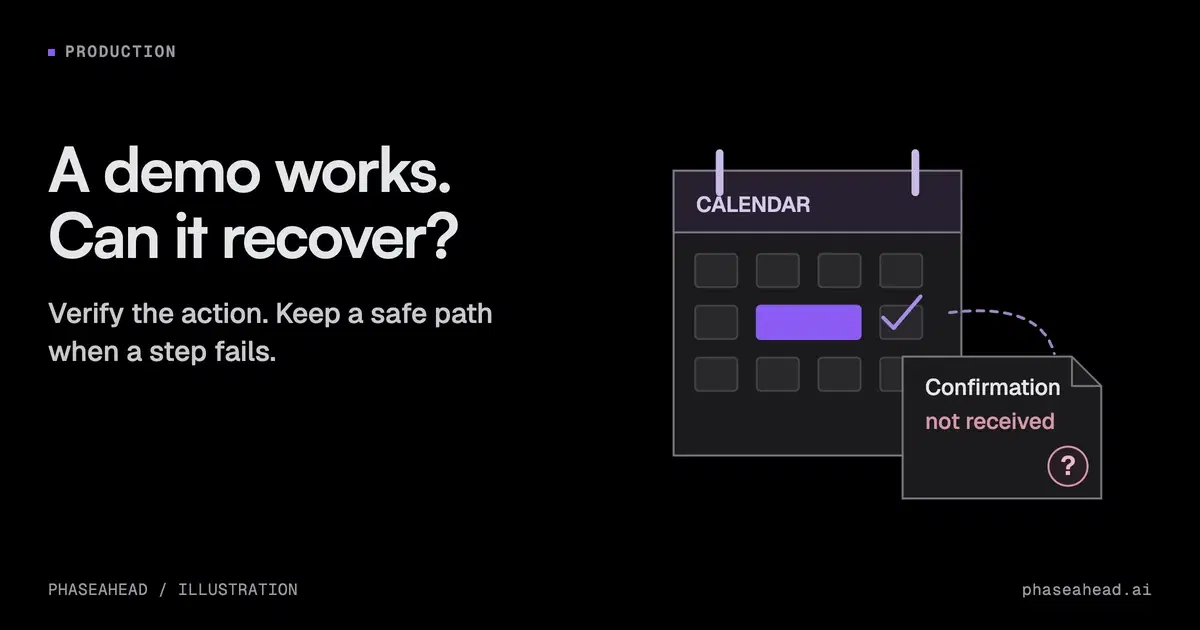
Check interrupted tasks and recovery as part of the wider agent production review. Restricting access does not ensure an agent can recover after a tool fails.
Decide which access the workflow actually needs
Start with the job, then choose permissions. "Handle support" is too broad to determine which customer records and actions belong in scope.
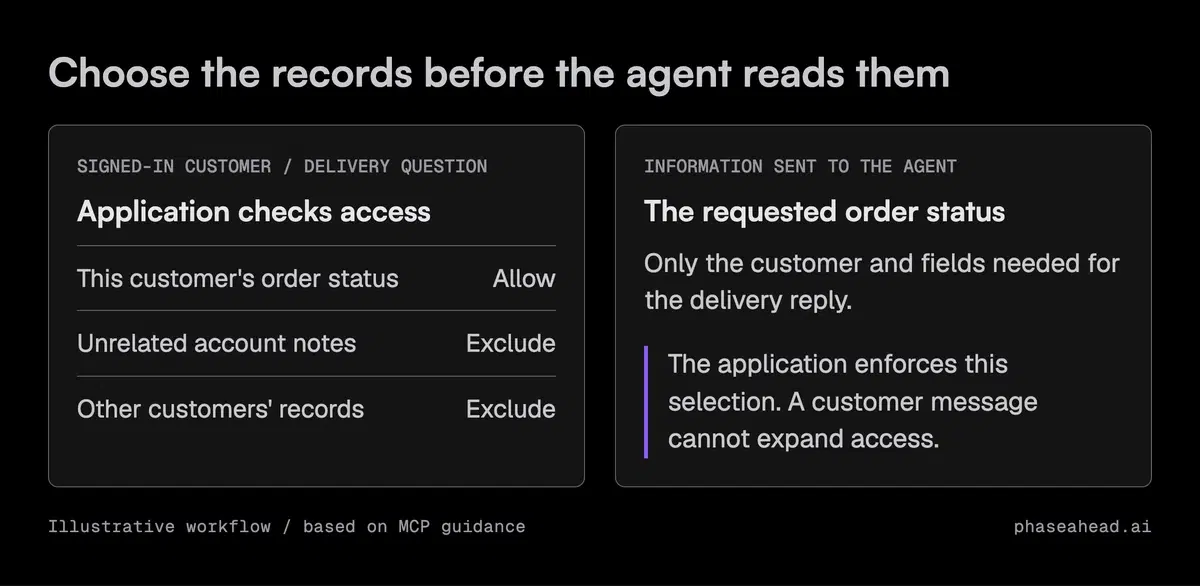
For a delivery question, the application might supply the order status for the authenticated customer's order. It does not need to give the agent unrestricted access to every account note. Enforce that record selection in the application or downstream service, before private data reaches the model.
| Capability | Decision to make before enabling it |
|---|---|
| Read customer messages | Treat message content as data, not permission to add tools or change the task. |
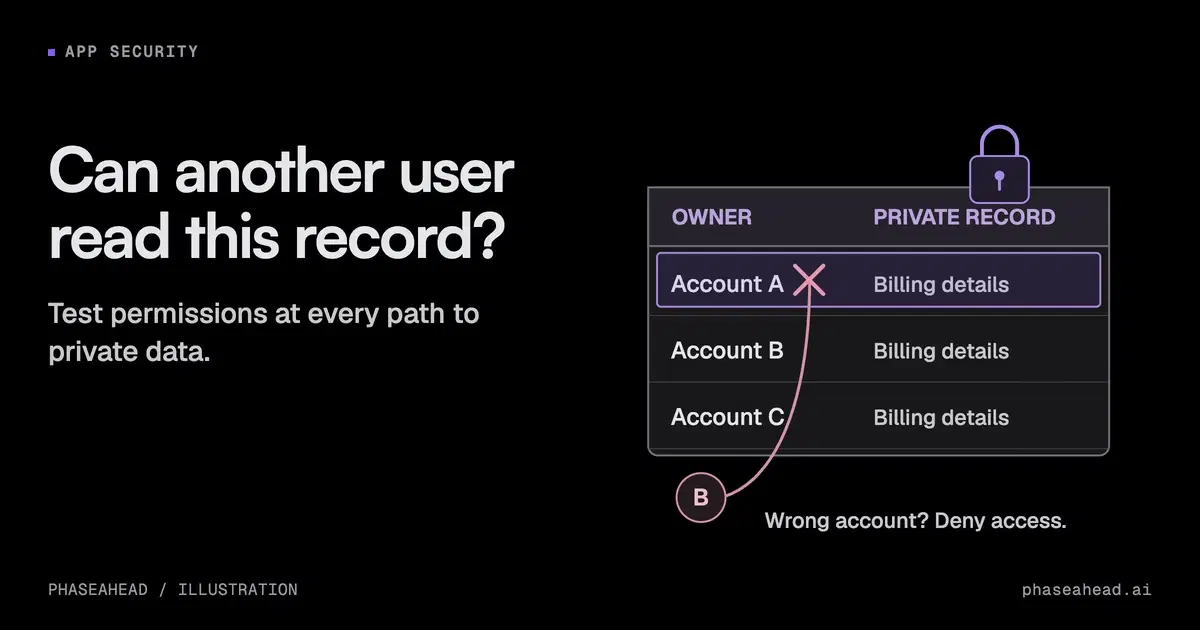
| Read internal records | Restrict access to the current customer and fields needed for the job. |
| Send email or publish a reply | Check the recipient, content, and permission for that exact action. |
| Open arbitrary URLs | Restrict destinations and check what the request could transmit. |
| Run a local MCP server | Review its source and restrict the files, credentials, and network it can access. |
The MCP security guidance recommends limiting requested permissions. A broad account credential can defeat the restrictions you thought a narrow tool name provided. Ask what the connected service actually allows, not just what the tool is called.
Keep the business decision and the engineering work clear: the workflow owner defines the allowed records, recipients, and actions; the implementation must enforce those limits.
Read-only tools can still send information out
Disabling email sending closes one route. It does not close every route by which information can leave.
A tool that opens a URL can put information into that request. A response shown to a user can expose records that user should never have received. Check destinations, request parameters, rendered links, and the final reply alongside write permissions.
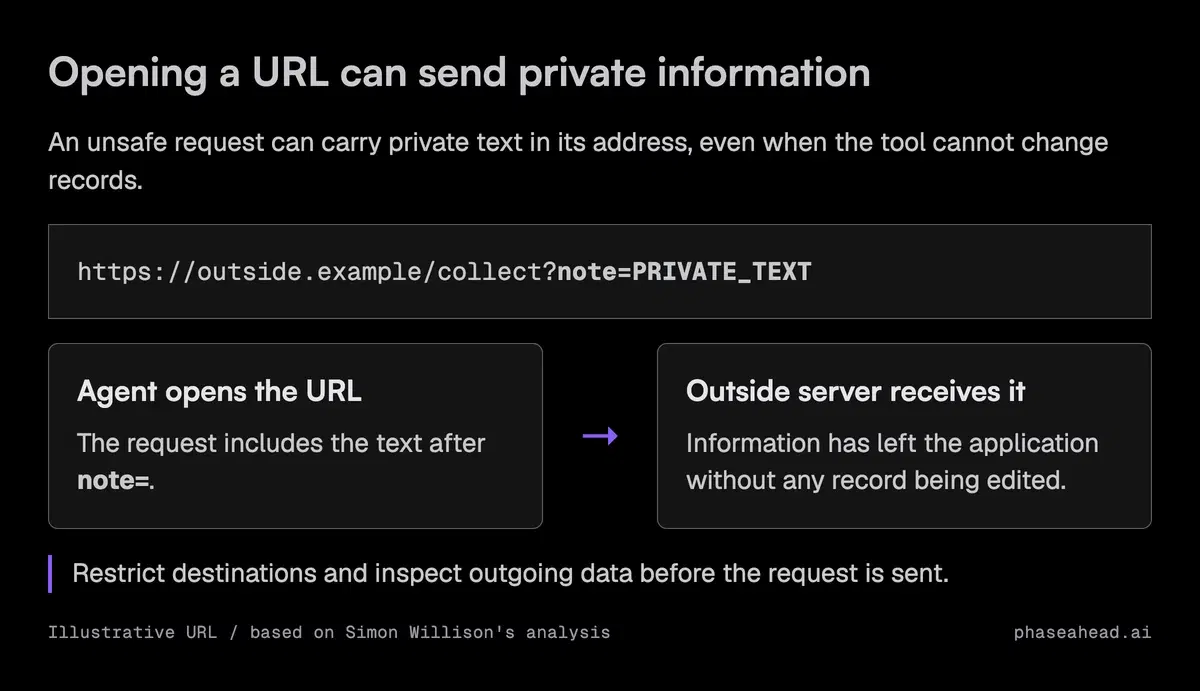
A "read-only" label also needs scrutiny. The MCP specification says clients must treat tool annotations as untrusted unless they come from trusted servers. A label describing a tool's behavior does not enforce its permissions.
If a workflow only needs order status, a narrowly scoped lookup is easier to control than a browser with access to an entire internal dashboard. Keep the browser when the task needs it, and account for the wider access it introduces.
Put approval on the actual action
A useful approval shows what will happen: the recipient, the message or changed fields, and the records involved. A button that says "let the agent continue" can approve much more than a reviewer intended.
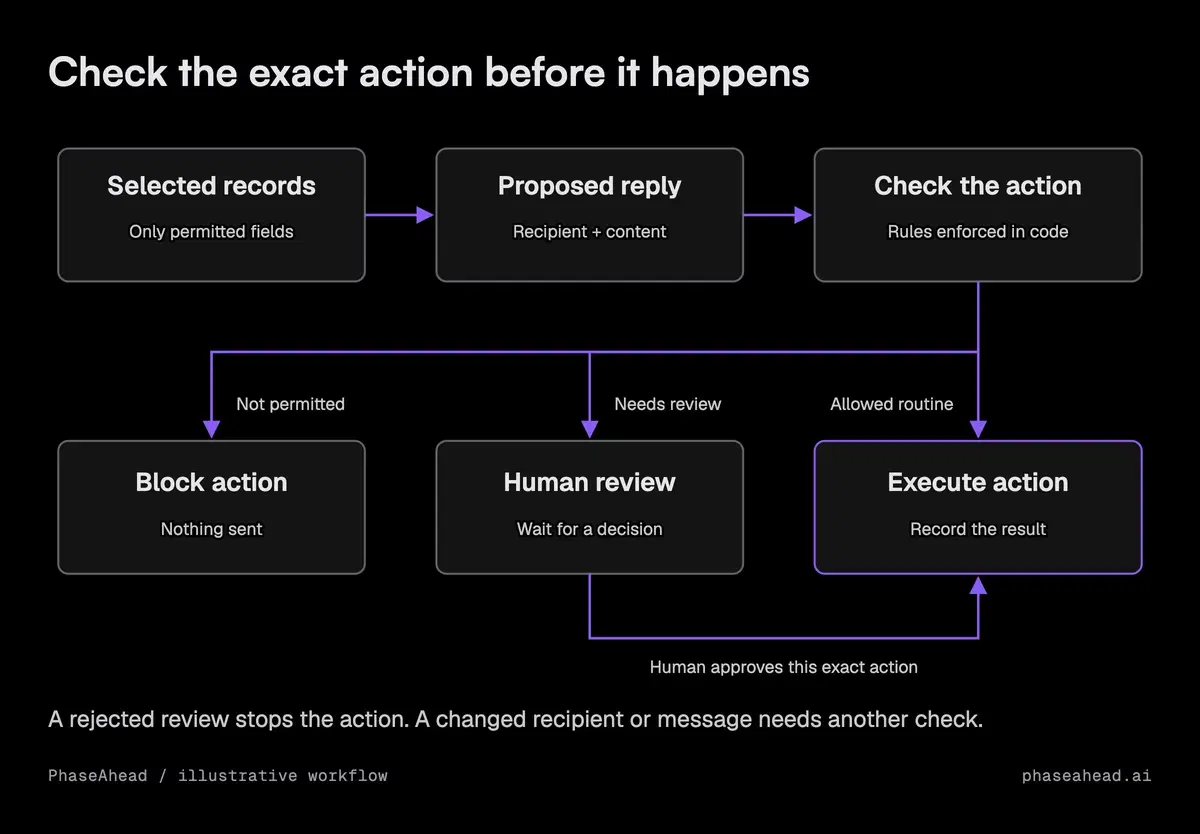
Bind approval to the specific action being reviewed. If the agent changes the recipient or message afterward, it needs another check. Enforce this in application code rather than asking the model to remember that rule.
For routine messages, you may be able to allow a restricted operation automatically: send a delivery update to a recipient selected by the application, using approved order fields. That does not justify a general-purpose send tool with arbitrary recipients and attachments.
For sensitive or ambiguous requests, keep the draft and send it to a person. Review is useful only if the person sees the relevant details and has time to make the decision. If that queue has no owner, the workflow is not ready for the access you are considering.
OWASP's Agent Control Standard, published in September 2026, describes ways to enforce policies while agents run. It is a useful question for a platform provider: where can your application inspect and stop a tool call before it executes?
What to ask before buying or expanding access
Ask the provider or implementation team to demonstrate the permissions on your intended workflow. A marketing claim about prompt-injection detection does not show what an agent can do after detection fails.
Use a controlled case with synthetic records: put an instruction in a customer message that asks for unrelated internal notes. Inspect which records the application made available, what action the agent proposed, and whether the application blocked an unauthorized action. Also check a legitimate request, so a system that blocks everything does not look ready to use.
Retain enough information to investigate an incident: the acting user, selected records, proposed action, permission check, approval, and result. Avoid copying full private messages or credentials into logs. Make sure an operator can disable the connector and revoke its access.
Choose based on the controls you can demonstrate:
- Use the platform's built-in controls when they can enforce the required record access, destinations, and approval rules.
- Add a controlled tool in your application when the platform can call it but its standard connector grants too much access.
- Keep the workflow in draft-only mode when sending cannot be restricted automatically. A person must review drafts before they reach customers. If private record access cannot be restricted, keep that data disconnected.
Before enabling the next connector, write down the exact new records and actions it exposes. That change in authority is what the workflow owner needs to approve.
Sources
- Model Context Protocol: Tools specification, July 2026
- Model Context Protocol: Security best practices
- OWASP: Agent Control Standard
- Simon Willison: The lethal trifecta for AI agents
Common questions
Does MCP prevent prompt injection?
Does MCP prevent prompt injection?
No. MCP connects an application to tools and data. Its security guidance calls for access controls, input checks, and confirmation on sensitive operations. Your application still has to enforce those controls.
Is a read-only MCP tool safe to connect to private data?
Is a read-only MCP tool safe to connect to private data?
Read-only does not mean information cannot leave. A browser or HTTP tool can transmit data in a URL, and a reply can expose information to the wrong user. Check where information can go, as well as whether a tool can modify records.
Should every agent action need human approval?
Should every agent action need human approval?
Use automatic actions where the allowed operation, records, and destination are tightly defined and checked in code. Require review for sensitive or ambiguous actions. If sending cannot be restricted, use drafts a person reviews. If record access cannot be restricted, keep private data disconnected.